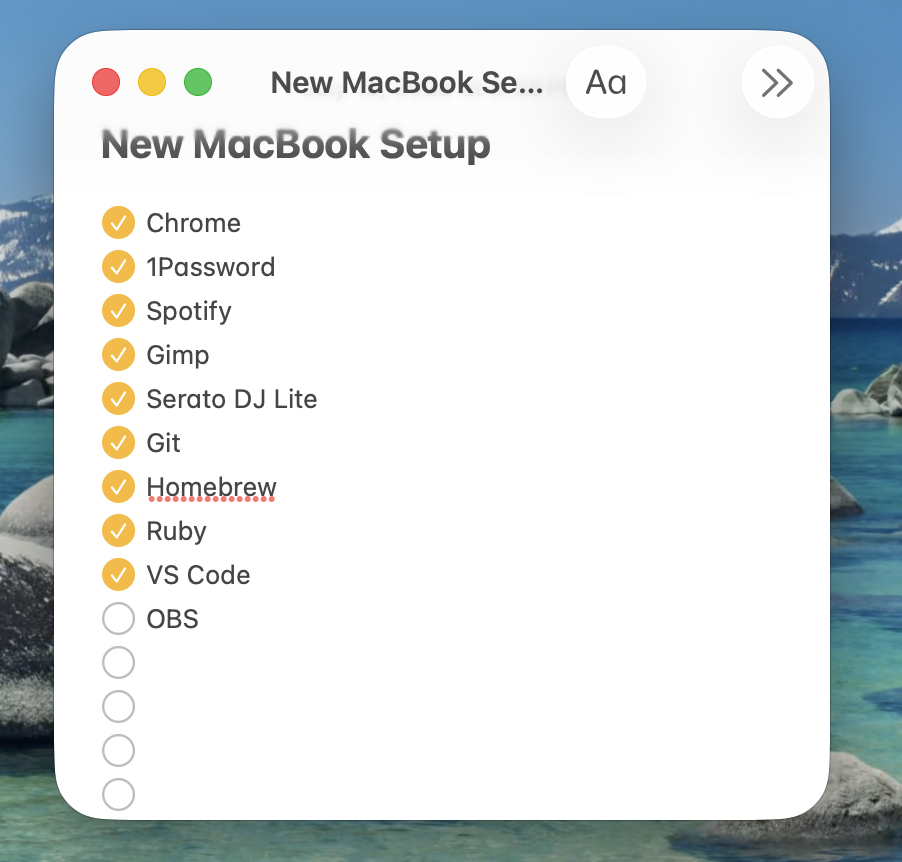
I finally upgraded from my 2015 Macbook Pro to a Macbook Air with an M5 chip.
This post will keep growing as I set the machine up.
One important clarification: I haven’t actually been using a ten-year-old computer exclusively for ten years. My work computer is modern, and I use it every work day.
The difference is that this is my first time in over a decade setting up my own personal machine from scratch.
At work, I’ve had a normal development environment for years. Locally, I built around constraints.
Essentials
Chrome
1Password - Safety first, kids.
Spotify - It’s part of the workflow.
Creative
GIMP - My Photoshop-but-free. Been my go-to for years, no reason to change that now.
Serato DJ Lite - The DJ software. FINALLY. This one’s been a long time coming - there’s a music controller my wife got me a couple years ago that my old machine was never going to run.
Dev
Git - Didn’t come pre-installed like I half expected.
Homebrew - Needed it almost immediately once I tried to get my Jekyll sites running locally.
Ruby - macOS ships with an older version of Ruby (2.6.10). Jekyll setups expect something newer. Updated Ruby to 4.0.5. Then had to add a few dependencies.
VS Code - My editor of choice. LLMs help me write code, but I still want a local editor, file tree, diffs, and terminal.
What’s Next
More to come as I keep going. Probably OBS (the old 2015 Macbook is still handling that). Check back — this list isn’t done.
Tools & Skills
- Environment setup
- Local development
- Workflow optimization